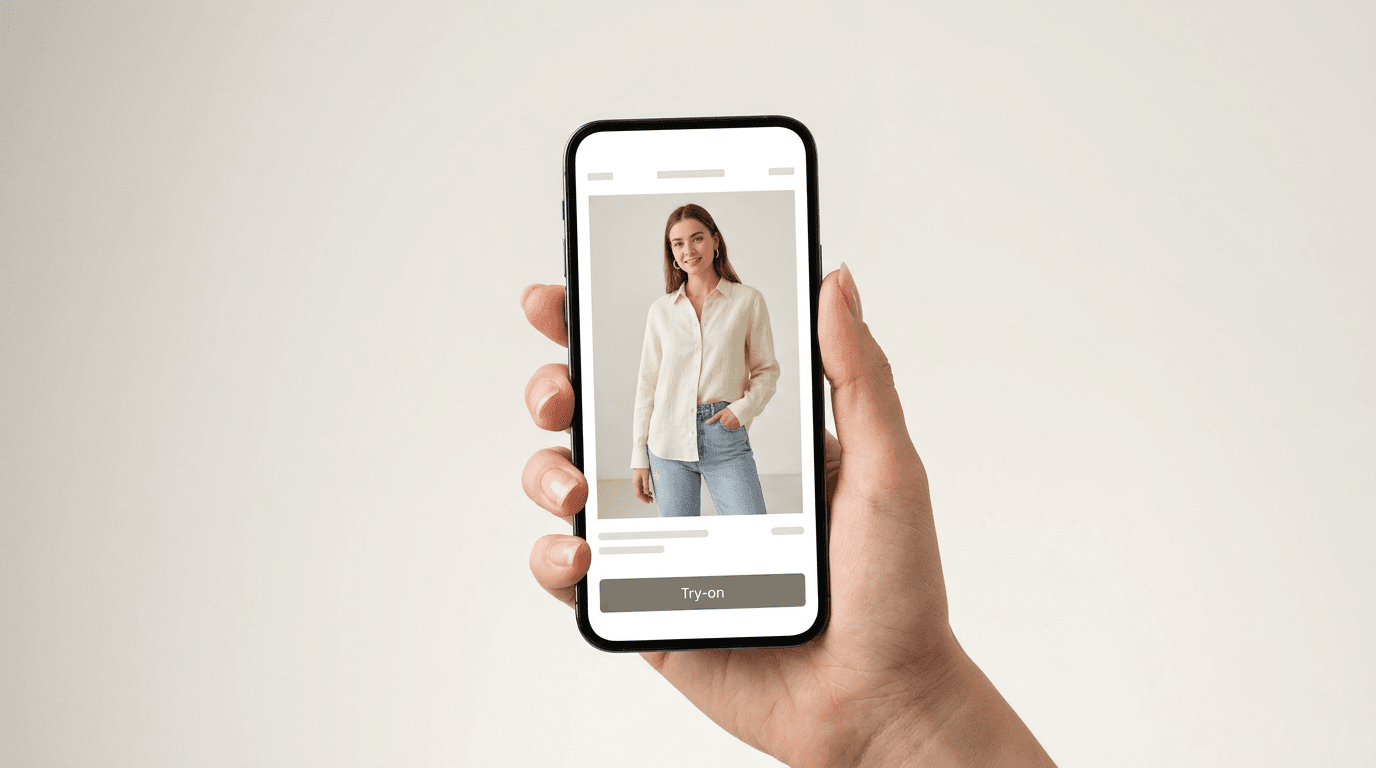
Key Takeaways
- Virtual try-on for small business is now a monthly software cost, not a capital project. Entry-level ecommerce apps list publicly from roughly $15 to $100 a month, and a photo-based AI try-on tool can go live on a Shopify store in a few hours.
- There are three honest routes: a platform app, a virtual try-on SDK you wire into your own front end, or a custom build. For a brand under 2,000 SKUs, the app route wins almost every time.
- Our verdict: switch it on for the twenty products that generate the most "will this fit me" questions, measure for a month, then expand.
- We are not going to quote you a Rooop average. We have not run a controlled study across our customers, so we have no aggregate we can defend. Published third-party case studies put return reduction at 20 to 35% and conversion lift at 15 to 40% on try-on-enabled products (AiShirt, Virtual Try-On Buyer's Guide for Ecommerce 2026). Use the break-even formula below on your own numbers instead of anybody's benchmark.
Zara put an AI virtual try-on inside its app in late 2025 and expanded it through Europe in early 2026 (DRESSX). Amazon has been shipping try-on for shoes and eyewear for a while now. If you run a five-person DTC brand, watching that happen produces a very specific feeling, somewhere between envy and resignation. Nice for them. We have two people and a Shopify theme.
That resignation is usually based on a pricing picture that is about four years out of date. Search for what a virtual try-on solution costs and you get two answers, both useless: free consumer apps that do nothing for your online store, or agency posts quoting six figures for a custom computer vision build. The middle, which is where almost every real small business lives, barely gets written about.
So this is the middle. What virtual try-on technologies actually cost in 2026, the three routes available, and a plan a small team can run without hiring anyone.
Full disclosure before we go further: I work at Rooop, and we build AI virtual try-on for ecommerce stores. That obviously biases me toward one of the three routes. I have tried to be honest about where the other two are the better call, and about where try-on does not help at all.
How Shoppers Actually Use AI Virtual Try-On in 2026
Shoppers reach for virtual try-on at a specific moment: after they have decided they like a product but before they believe it will work on them. It is a confidence tool, not a discovery tool. That is why virtual try-ons affect add-to-cart and return rates far more than they affect traffic.
Watch enough session data and the pattern is boring in a good way. Nobody browses through a try-on feature. A shopper lands on a product, scrolls the photos, hesitates, and then either bounces or looks for something that answers the question the photos cannot.
Three moments account for most of it:
- Size and shape doubt, which is where apparel lives. The model in the photo is not built like the shopper.
- Color and contrast doubt, which is where jewelry, eyewear and accessories live. Will this metal tone work against my skin?
- Gifting, where the shopper is not the wearer and needs something concrete to reason about.
None of those are solved by more photos. You can shoot a garment on six models in six different styles and still miss the person looking at the page. What actually helps is allowing customers to see the item on themselves, which is the entire premise of virtual try-on technology.
The Psychological Shift Behind Online Shopping in 2026
The mechanism is purchase confidence. A shopper who can virtually try a product on a body resembling their own stops guessing, and a shopper who stops guessing stops hedging. Hedging is what produces the bracket order, where someone buys three sizes intending to return two.
That habit is expensive for you and normal for them. About 19.3% of online sales get returned, and clothing and shoes sit at the top of the category table (NRF and Happy Returns, 2025). Every one of those returns costs money to ship, inspect and restock.
This is the point where most vendor articles hand you an average. We are going to skip that, because Rooop has not published a controlled study of what try-on does to return rates, and an average assembled from whichever customers make us look good would tell you nothing about your store. The direction of the effect is consistent across the published research. The magnitude is what nobody in this category has credibly established, us included.
What you can use is third-party work with a method attached. A 2026 buyer's guide reviewing published 2024 to 2025 case studies puts return-rate reductions at 20 to 35% and conversion lifts at 15 to 40% on the products where try-on is switched on (AiShirt, Virtual Try-On Buyer's Guide for Ecommerce 2026). DRESSX studied over a million luxury fashion shoppers and found try-on users converted 50% higher and were roughly 3x more likely to add to cart (DRESSX, AI Virtual Try-On Report 2026). Treat the top of those ranges as a best case on a well-chosen category rather than a forecast for your catalog.
What Powers a Virtual Try-On Solution: AI, AR, and Real-Time Rendering
Two technologies sit under the label. AR virtual try-on technology streams the phone camera and overlays the product in real time. AI virtual try-on takes an uploaded photo and generates a composite. Both let shoppers try on products digitally, but they behave very differently on a small brand's product page.
You do not need to understand the machine learning to choose between them, but you do need to know which one you are buying, because the shopper experience differs enough to change your numbers.
Augmented reality try-on uses the camera feed plus computer vision landmark tracking to pin a product model to the shopper's face or body, frame by frame. Using AR feels immediate and interactive. It also asks for camera permission, drains battery, and struggles in bad lighting. An AR experience is strongest for face-anchored items, which is why eyewear and beauty led the first wave of adoption in fashion retail.
AI-based try-on works differently. The shopper uploads one photo, and a generative artificial intelligence model renders the garment onto it. No live session, no permission prompt, no app install. For soft goods where fabric draping matters, this approach generally produces better realism than live AR, and it works on any smartphone or desktop browser.
The practical difference for a small retailer: AR technology needs the shopper to cooperate in real time, and AI needs them to upload one image. Fewer steps between the tap and the result means fewer places for a shopper to give up, which is the argument for upload. If you want the full technical comparison, our look at AI versus AR virtual try-on covers which technology suits which products.
Why Brands Adopt Virtual Try-On Quietly
Most brands ship a try-on feature without a launch announcement because it is a conversion feature, not a campaign. There is no press release for a better product page. The result is that adoption looks slower than it is, which keeps smaller brands assuming they are early when they are actually late.
The visible cases are the loud ones. Zara's rollout got covered because Zara is Zara. Amazon Fashion's try-on for shoes and eyewear got covered for the same reason, and it landed around the same time Amazon shut down its physical Try Before You Buy program in January 2025 (Check My Fit). Read those two moves together and the signal is clear enough. The big retailer bet is that "try before they buy" moves to the screen rather than into a shipping box.
Quiet adoption is happening further down the market too. The app listings themselves now advertise entry pricing that would have been implausible in 2022, which is not the sort of thing vendors do unless smaller merchants are actually buying.
What Zara and Amazon Are Signaling to Fashion Retail
What they signal is not "you should build what Zara built." Zara has an app, an engineering org, and a catalog worth custom work. Copying that is the wrong lesson.
The useful lesson is about shopper expectation. Once a few very large online retailers make try-on normal, it stops being a novelty on your site and starts being an absence. Shoppers are drawn to brands that offer the thing they just used somewhere else. Product reviews went through exactly this shift a decade ago. First a differentiator, then table stakes, and eventually a product page without them looked broken.
Why Small Business Owners Still Think Virtual Try-On Is Too Expensive
The "too expensive" belief comes from pricing anchored to enterprise deals. Custom computer vision builds do start in the tens of thousands and climb, and full-service SaaS contracts are often quoted at $500 to $10,000 a month (DressMeAI). Platform apps for a small online store sit in a completely different band, publicly listed from roughly $15 to $100 a month.
Three specific myths do most of the damage. Each one is worth taking apart, because each one was true at some point and simply stopped being true.
Myth 1: You Need 3D Modeling for Every SKU
False for most apparel, jewelry and accessory catalogs. This myth is the expensive one, because 3D asset creation genuinely does cost real money per SKU and genuinely does not scale for a small catalog.
It comes from the first generation of try-on, which was built on geometry. You modeled the product, rigged it, and rendered it onto a tracked body. That approach is still right for rigid objects where shape is the whole point, like eyewear frames and watches, and where shoppers want to interact with products by rotating them.
Generative AI changed the economics for everything soft. A photo-based system takes your existing product photography and the shopper's photo and renders the composite directly. No 3D modeling step, no per-SKU asset bill. If you already have decent product images, you already have the inputs. We go through the tradeoff properly in our comparison of 2D and 3D virtual try-on technology.
Myth 2: You Need a Developer on Staff to Implement It
Also false, at least for the app route. Ecommerce platform apps install the way any other app installs. On Shopify that means authorizing the app, picking which products get the virtual try-on feature, and placing the button in your theme.
Average implementation time across Rooop customers is 2 to 4 hours, and most of that is catalog configuration rather than anything technical.
The developer requirement is real for the SDK and custom routes. That is precisely the point of separating the routes instead of quoting one number for "virtual try-on".
Myth 3: Virtual Try-On Only Pays Off at Enterprise Scale
Backwards, actually. Return costs hurt a small brand more per order, not less, because you have less margin to absorb them and no logistics contract to soften the shipping bill.
Here is the arithmetic, and note what it does not do. It does not assume a reduction. It solves for the reduction you would need.
Take a brand doing 1,000 orders a month at an $85 average order value with a 28% return rate. That is roughly 280 returns a month. Processing a return averages about 27% of the item's purchase price (Optoro), so on an $85 order that is roughly $23 a time, or about $6,400 a month leaving the business through the returns door.
Now set a subscription against it. At $24 a month you need to prevent a shade over one return in every 280, a reduction of about 0.4%, to break even. At the $119 tier you need about 1.9%. Those are the numbers the tool has to beat, and they sit well below the 20 to 35% that published third-party case studies report (AiShirt, 2026).
That is the whole reason scale is not the deciding factor. The break-even threshold falls out of your return cost, not your order volume, and a small brand with thin margins has more of its money sitting in that column, not less.
Budget-Friendly Virtual Try-On Options for DTC Brands
Three routes exist, and they differ by two orders of magnitude in cost. Platform apps run tens of dollars a month with no engineering. SDKs run higher and need front-end work. Custom builds start in the tens of thousands and need a team. Almost every brand under 2,000 SKUs belongs on the first route.
| Route | Typical cost | Setup effort | Fits | Main risk |
|---|---|---|---|---|
| Ecommerce platform app | roughly $15 to $100/mo, often credit-based | hours, no developer | 50 to 2,000 SKUs, Shopify or WooCommerce | less control over placement and styling |
| Virtual try-on SDK or API | typically well above app pricing, and usually quoted rather than published | days to weeks, front-end developer needed | custom storefronts, headless setups | you own the integration and its maintenance |
| Custom build | tens of thousands upfront plus ongoing maintenance (DressMeAI) | months, ML and front-end team | enterprise catalogs with unusual requirements | you are now in the computer vision business |
Ecommerce Platform Apps for Online Retailers
This is the default and, for most readers, the end of the decision. You install from the app store, connect your catalog, and turn the try-on feature on for selected products. Ecommerce platforms have made this genuinely easy, which is the single biggest change since 2022.
The tradeoff is control. You get the vendor's rendering model, the vendor's button, and the vendor's roadmap. For a two-person team that tradeoff is a gift rather than a compromise.
Rooop sits in this category. Our approach uses a photo upload instead of a live camera feed, so there is no camera permission prompt and no app install for the shopper. Our AI try-on renders at 99% visual fidelity, and pricing starts at $24 a month, with Pro and Business tiers at $119 and $399. If you want the vendor-by-vendor view rather than my view, our rundown of virtual try-on software platforms covers the field properly.
Try-On SDKs and APIs
An SDK gives you the rendering engine and leaves the interface to you. Sensible if you run a headless storefront, or if try-on needs to appear somewhere an app cannot reach, like inside a native mobile app or a product-finder quiz.
You need a front-end developer, and you own the integration forever. That is not a reason to avoid it. Just a reason to be honest about whether you have that person on the team.
Custom Builds, and Why a Startup Almost Never Needs One
Building your own AI model means training or fine-tuning on your own imagery, running inference infrastructure, and maintaining all of it while the underlying models improve monthly. It makes sense when try-on is your product rather than a feature of your product.
For a fashion startup, it is almost always the wrong call. The capability you would spend a year building is available this afternoon for less than your email platform bill.
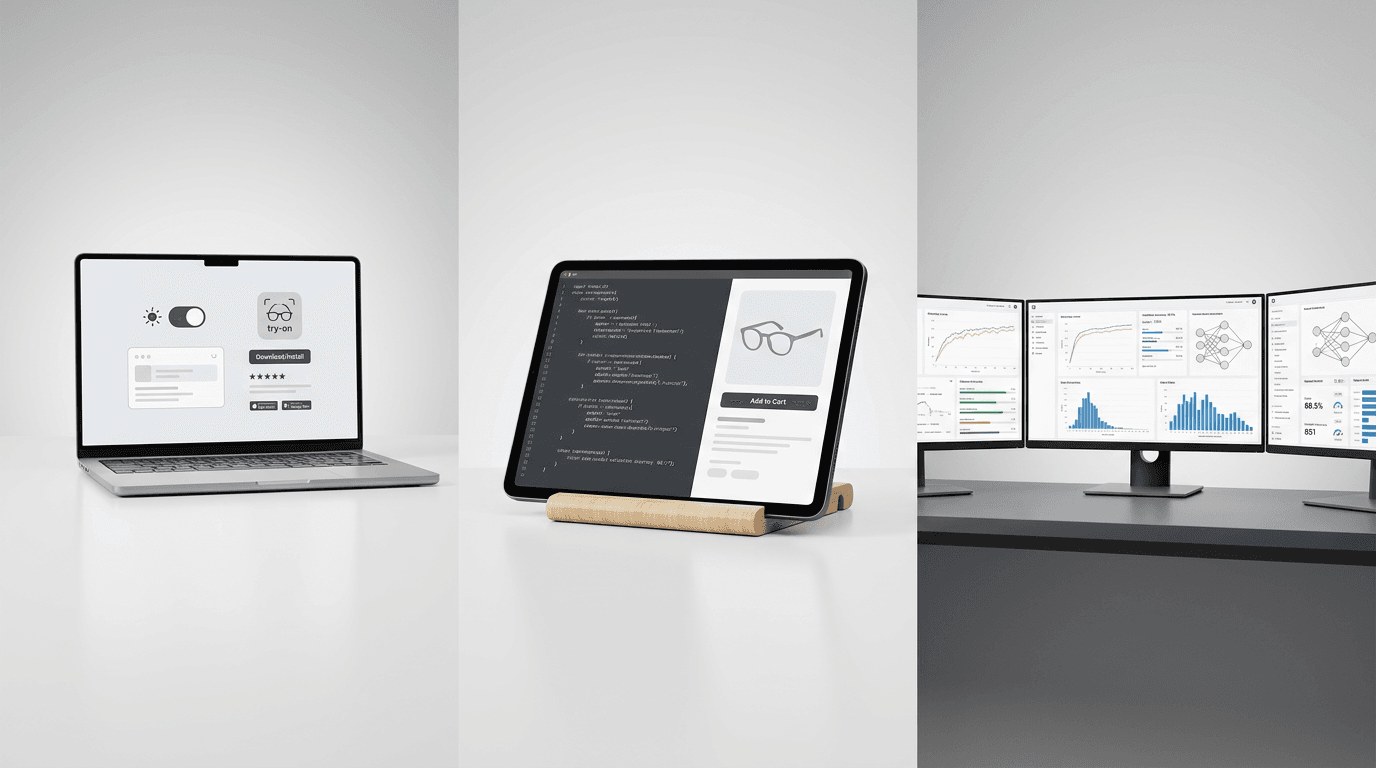
Benefits of Virtual Try-On for a Small Online Store
Beyond conversion and returns, a try-on feature gives a small brand three things it usually cannot afford: personalization on every product page, first-party data collection about what shoppers want to see on themselves, and product visualization that scales without a photoshoot.
The obvious benefits get quoted everywhere. These are the ones that matter more once you are actually running it:
- Personalization without a personalization budget. Once a shopper has uploaded a photo, every product page can show them rather than a model. That is a personalized shopping experience delivered by one upload, and it costs nothing extra per page. Enterprise personalization stacks charge a great deal for far less.
- Better customer experience on mobile. About 70% of ecommerce traffic is mobile, so anything that works badly on a phone is failing most of your visitors. Photo upload works in any mobile browser, which is why we made it the default instead of live AR.
- Data collection that tells you what to stock. Try-on sessions reveal which items shoppers are curious enough to visualize on themselves but do not buy. That gap is one of the more useful signals a small brand can get, and it feeds both merchandising and marketing strategies.
- Fewer returns, which shows up as margin rather than revenue. Reducing returns is the least glamorous benefit and often the largest one.
- Product visualization that scales. Adding a new colorway does not require a new shoot if the AI can render it, which matters when your photography budget is one day a quarter.
None of this makes shopping feel like a store visit. It does close a specific gap between the digital and physical experience of buying clothes, which is enough.
A 3-Step Plan to Implement Virtual Try-On With a Small Team
Do not roll out across the whole catalog. Pick the twenty products that generate the most fit and sizing questions, switch try-on on for those, and measure. This is the cheapest possible version of the experiment and it produces the number you need to decide about everything else.
This is the part where I disagree with most of the industry. Vendors pitch catalog-wide rollout because catalog-wide rollout is how vendors get paid. For a 200-SKU brand it is also the slowest way to learn anything.
Step 1: Pick your twenty products. Half a day. Pull your returns data and your customer service inbox. The products that generate size complaints, color complaints, and "how does this actually look" emails are your list. If you have a hero SKU that drives a third of online sales, it goes on the list regardless.
Step 2: Install and configure. 2 to 4 hours. Install the app, integrate your catalog, and enable the feature on those twenty products only. Check the composite output on each one before it goes live. Product photography quality in equals composite quality out, and you will find one or two images that need reshooting.
Step 3: Measure for 30 days. Twenty minutes a week. Track add-to-cart rate and return rate on the twenty against a comparable set without try-on. Thirty days is usually enough to see direction. Do not change anything else on those pages during the window, which is harder advice to follow than it sounds.
How to Justify the Virtual Try-On Investment to Stakeholders
The pitch is a single slide, and the trick is to argue break-even rather than upside. Work out what returns already cost you each year, then divide the annual cost of the tool by that figure. The answer is the percentage reduction in returns you need for the thing to pay for itself. Judge whether that percentage is plausible for your category, and the ROI decision makes itself.
The Break-Even ROI Formula That Fits on One Slide
Nobody in a budget meeting believes a vendor percentage, and they are right not to. So do not bring one. Bring the threshold instead.
Annual return cost      = orders x return rate x AOV x 0.27
Break-even reduction %  = annual tool cost / annual return cost
The 0.27 is Optoro's estimate of what handling a return costs as a share of the item's price. Everything else is a number you already have in your own admin.
Run it with your own inputs:
- Take your annual orders on the products in scope.
- Multiply by your current return rate to get returns per year.
- Multiply by your average order value and then by 0.27 to get your annual return cost.
- Take the annual cost of the subscription you would actually be on.
- Divide step 4 by step 3. That is your break-even reduction.
- Ask whether that percentage is plausible for your category. Then, and only then, treat conversion lift as upside rather than as the case for buying.
A worked illustration, using round numbers rather than any customer's actual figures:
| Input | Value |
|---|---|
| Annual orders | 12,000 |
| Return rate | 28% |
| Returned orders | 3,360 |
| Average order value | $85 |
| Cost per return (27% of $85) | $22.95 |
| Annual return cost | $77,112 |
| Virtual try-on at $24/month | $288/year |
| Break-even reduction needed | 0.4% |
Four tenths of one percent. Move to the $119 tier and it is still under 2%. That reframes the conversation completely, because you are no longer asking anyone to believe a heroic number. You are asking whether a product page tool can plausibly prevent one return in every 280, then measuring whether it did.
The honest caveats belong on the slide too. This model ignores the conversion side entirely, which for most stores is the larger effect. It assumes your return cost per order is typical rather than unusually high or low. And a break-even threshold is not a forecast. It is the bar to clear. For the full pricing picture, including the costs vendors do not put on the pricing page, see our breakdown of virtual try-on pricing models or our own pricing.
How to Compare Affordable Virtual Try-On Platforms for a Small Online Store
Ignore feature counts. Six questions separate a tool your shoppers will use from one they will try once: realism on your products, speed, mobile behavior, catalog fit, analytics, and data handling.
Ask every platform these, in this order:
- Can I see a composite generated from my own product photos, not your showreel? Realism on your catalog is the only realism that matters.
- How long does a render take on a mid-range phone? Every extra second loses shoppers, and real-time promises are worth checking against an actual device rather than a showreel.
- Does it work in a mobile browser with no app install and no camera permission? This question is most of the decision.
- What happens with my product category specifically? Eyewear tools rarely handle dresses well, and the reverse is also true. Match the technology to what you sell.
- Can I connect try-on events to add-to-cart, orders and returns? Without that you cannot prove anything to anyone.
- What happens to shopper photos, and for how long? Ask for the retention policy in writing. Any vendor, Rooop included, should be able to answer this without hesitating.
One more thing worth checking, because it catches people out: ask whether the try-on experience degrades gracefully. If the model cannot handle a particular image, does the page fall back cleanly or does the shopper hit an error? Small detail, real conversion impact.
What Small Brands Should Expect After Adding Virtual Try-Ons
There is no single number here, and any vendor who gives you one should be asked for the method behind it. What your store gets from virtual try-ons depends on four things: what your shoppers are actually unsure about, how much of your return volume is genuinely an appearance problem, how many shoppers use the feature at all, and how good your product photography is going in.
I want to be direct about why this section has no results table in it. We could assemble a flattering set of category averages, every vendor in this space does, and it would not tell you anything about your store. Rooop has not run a controlled study of what try-on does to conversion or returns, so we have no aggregate we are willing to publish. Owning that gap is more useful to you than a table you cannot audit.
What is worth mapping instead is where the effect comes from, because that you can check against your own catalog before you spend anything.
| Category | What the shopper is unsure about | Where the effect should land | What caps it |
|---|---|---|---|
| Fashion apparel | How a cut sits on a body unlike the model's | Add-to-cart, and bracket orders that shrink from three items to one | Residual fit risk that no image resolves |
| Jewelry | Scale against a hand or neck, and metal tone against skin | Add-to-cart, and cart abandonment on higher-priced pieces | Reflective materials are the hardest thing to render |
| Accessories | Proportion, and whether it suits them at all | Add-to-cart on discovery-driven products | Lower baseline return rates, so less to win |
| Eyewear | How frames read on their face shape | Add-to-cart, since appearance is nearly the whole decision | Nothing about lens comfort or fit behind the ear |
Read down the right-hand column and the pattern is clear. Try-on moves hardest where the purchase decision is visual rather than dimensional, and where returns are driven by "this did not look how I pictured it" rather than "this did not fit" or "this arrived damaged". Pull your return reason codes before you do anything else. If most of your returns are sizing or quality, better visualization is not the lever, and you are better off fixing size charts first.
Adoption is the other half, and it gets ignored. A tool that 20% of your shoppers use will beat a technically superior tool that 3% use, every time. That is an argument about placement and friction rather than rendering quality.
Now the limitations, because a section like this without them is marketing rather than information.
Virtual try-on answers "how does this look on me". It does not answer "what size am I". Those are different problems, and if your returns are driven by sizing rather than by appearance, a fit-prediction tool belongs alongside try-on rather than instead of it. Our guide to virtual fitting room technology goes into that split, and the complete guide to virtual try-on technology covers the category from the ground up.
Complex 3D jewelry with intricate geometry, and anything where the product must be rotated and inspected, is better served by a 3D or AR approach than by photo-based rendering. And if your product photography is inconsistent, fix that first. No AI model recovers from a bad input image.
How Virtual Try-On Is Shaping the Future of Online Shopping
Try-on is turning the product page into the fitting room. That is the whole shift, and it is why the technology keeps showing up in retailers' roadmaps: it bridges the gap between online and offline shopping without any physical infrastructure.
The in-store version of this idea has existed for years as smart mirrors, and it never scaled, because a mirror serves only the people standing in front of it. We compared the two approaches directly in our piece on virtual mirrors versus online try-on. The short version: hardware is theater, software is reach.
What is genuinely new in 2026 is that the quality gap closed at the same time the price collapsed. Generative models got good enough that a rendered composite reads as a real photograph, and cheap enough that a small brand can run thousands of them a month for the price of one product shoot.
That is the part of the future of shopping that small brands can act on today. You do not need a research team to enhance a product page. You need a subscription and an afternoon.
My prediction, offered as a prediction and not a fact: within a few years, an apparel product page without a try-on option will look the way a product page without customer reviews looks today. Not broken exactly. Just behind.
Getting Started: Your First 30 Days With Virtual Try-On
Week 1 pick and install. Week 2 watch the output and fix bad images. Week 3 leave it alone. Week 4 pull the numbers and decide whether to expand.
| Week | What you do | Time |
|---|---|---|
| 1 | Choose your twenty products, install the app, go live | an afternoon |
| 2 | Review real shopper composites, replace any product image that renders badly | 2 hours |
| 3 | Change nothing else on those pages | none |
| 4 | Compare add-to-cart and return rates against your control set, then decide | 1 hour |
Week 2 is the one people skip, and it is the one that matters. Looking at real composites rather than test ones tells you whether your photography is good enough, which is worth knowing regardless of what you decide about try-on. Week 3 is mostly an exercise in restraint. Resist the urge to test a new product page layout in the same window.
If you want to see what the output looks like on your own catalog before committing to any of this, get in touch and bring five product images. That is usually enough to know.